Updated October 15, 2026
See how your artwork sits on a natural beige canvas tote. The tote bag mockup flow uses your PNG, a print size, and prepared product scenes so you can spend time comparing the design with the finished image.
Prepare artwork for the canvas panel
Start with the exact PNG you want shown on the bag. The upload preview lets you check the file before generation. A transparent outer area leaves the canvas visible around an illustration or wordmark. An opaque background becomes part of the print and may appear as a printed rectangle. The upload flow flags a nontransparent file so you can decide whether that rectangle belongs in the result.
The first bag option is natural beige canvas. Its warm color can affect the contrast of pale artwork. Compare the edges and lettering in the original with the result instead of judging only the overall color of the image. The sample gallery includes a scalloped mountain graphic and a multicolor design with eight separate shapes.
For a tote bag mockup, leave clear space around the print and check that the canvas panel remains visible. A tote bag mockup preview shows how that space reads in a scene.
Prepare my PNG for a previewReview complete photo prints with extra care
A full photographic print needs extra care on canvas. A result can crop a sky or landscape edge, change the proportions of the printed image or carry photographic detail into the scene around the bag. If the complete composition matters, compare each border and important object with the original before using the picture.
The upload notice warns that a full photograph on a tote can be cropped or changed. If the borders or full composition matter to your artwork, inspect them closely before using the result. Transparent graphic artwork is easier to compare with the original, but every output still needs a visual check.
Inspect the whole tote bag mockup when the print contains a photograph. Check the edges and canvas seams, then compare the tote bag mockup with the original PNG.
Choose my garment and print sizeChoose the size and position of the printed area
S, M, and L print sizes are available for comparing a print at different scales. A centered front position will place the artwork on the main bag panel. Use the smaller size to inspect whether the lettering remains readable when the printed area takes up less space. These controls set the print placement. Their relationship to any manufacturer's printable area still needs separate confirmation.
Look at the distance between the artwork and the seams, and keep the handles distinct from the print. Existing tote examples show the front panel but crop the handles at the upper image edge. That framing may be useful for judging the artwork, while a full-bag scene is needed when the handle shape is part of the product presentation.
The tote bag mockup accepts a centered or left-chest position and three print sizes. Keep the same settings when comparing a tote bag mockup across scenes.
Prepare settings for my scene packCompare different scenes without changing the source design
One uploaded design is used across twelve prepared scenes. A studio view makes the canvas texture easier to inspect. A desk or hanging view changes the surrounding objects and shadows. Add a short preference if you want a particular mood or background; the scene set remains the prepared twelve views.
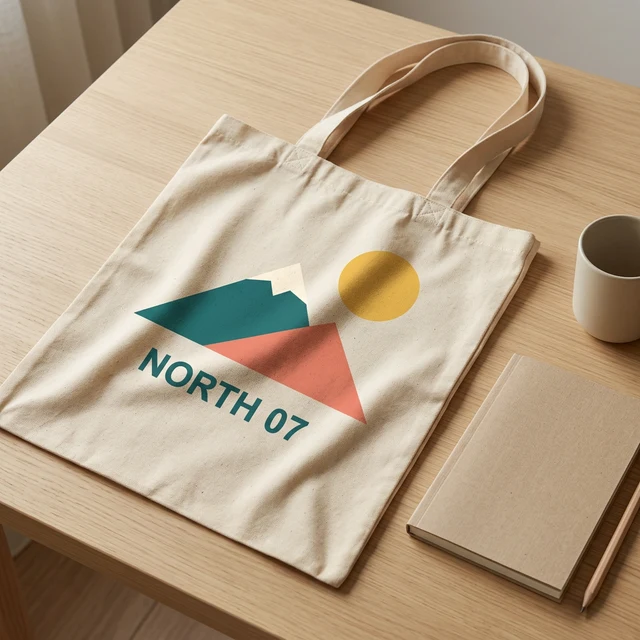
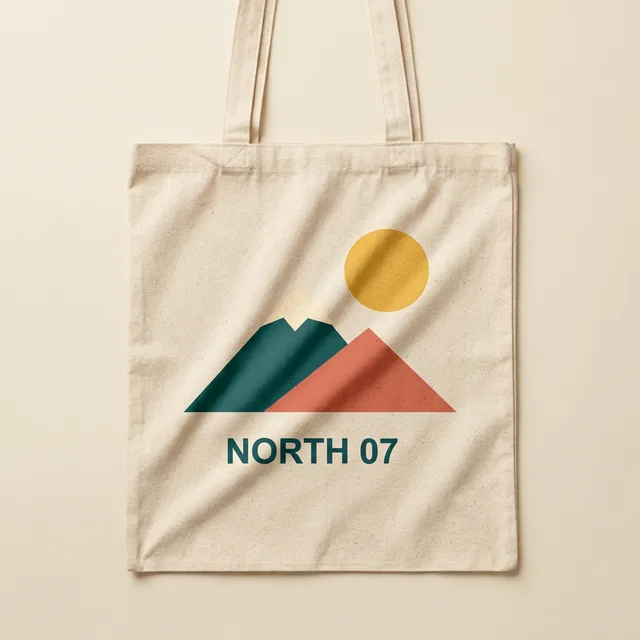
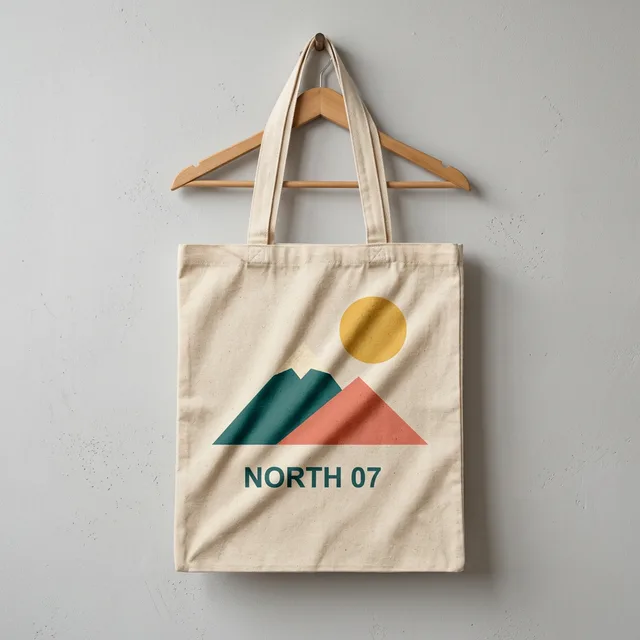
The examples show our original NORTH 07 artwork on a canvas tote in desk, studio and hanging views. Compare the print with the original PNG, including its lettering and margins. Check that both handles remain visible in a full-bag view. Each result needs its own inspection before it represents a bag you will sell.
Use each tote bag mockup for a specific product view. A hanging tote bag mockup must show its support and complete handles; a desk view should keep props clear of the print.
Check my print in a previewCheck lettering and fabric folds before downloading
A useful tote image keeps the print recognizable while letting the print follow the fabric. Inspect letter order, margins, and any fine detail that matters to the artwork. One canvas sample preserved the visible lines of a small-text design and its sequence of numbers. It remains one sample, and does not prove that another font or a different fold will work as well.
Zoom into the tote bag mockup for thin lettering and creases. The canvas in a generated tote bag mockup is an illustration of the scene, so confirm the actual bag separately.
Consider 2K for a design with small text
The default output is 1K. Choose 2K for a closer look at small lettering, then inspect the result. Higher resolution does not itself confirm correct words or complete artwork. Compare the image with your original at a readable scale, especially where a crease crosses the text.
Plan a paid pack after reviewing the first preview
The offer includes one free marked preview at low resolution, followed by $5 for 12 images in a single purchase. The paid pack provides original PNG downloads and a ZIP when all twelve images are ready. The result page shows each image's saved status and gives a route to redraw one image. Confirmed failures return their credits once, and a successful replacement fills the original pack slot.
Only upload artwork you have permission to use. Known trademarks, protected characters and photographs of real people are excluded. Uploaded files stay private, and guest files are available for seven days. Check the expiry beside a saved file and use its deletion control when it is no longer needed. Compare the actual bag dimensions, fabric shade and finished print with your own product.
Try a free marked tote bag mockup before deciding on the twelve-image pack. The price is $5 once, about $0.42 per original tote bag mockup before tax.
Save my mockups privatelyQuestions about canvas previews and downloads
Can I change the garment after a preview?
Yes. Return to the upload form, choose another garment and upload the original PNG again. Review a new tote bag mockup before choosing a full pack; a previous preview does not validate a different garment.
Does the preview guarantee an exact printed product?
No. Check every tote bag mockup against the source artwork and confirm the supplier garment separately. A tote bag mockup is a generated presentation image, and AI can alter text, color and placement.
What happens after the first preview?
Compare the tote bag mockup with the original, review the scene options and read the pack price. You can change the input or choose twelve original files. Read the pack price and refund terms before paying.