PLAN YOUR SELLER PHOTO SET
Etsy mockup scenes for your original apparel print
Plan a set of Etsy mockup views from your own PNG, then check every scene against the actual item and current listing rules. The workflow prepares product presentation images for a T-shirt, canvas tote or hoodie. Etsy has specific requirements for original product photographs.
Make my first marked preview1 free marked preview · $5/12 PNGs · No subscription
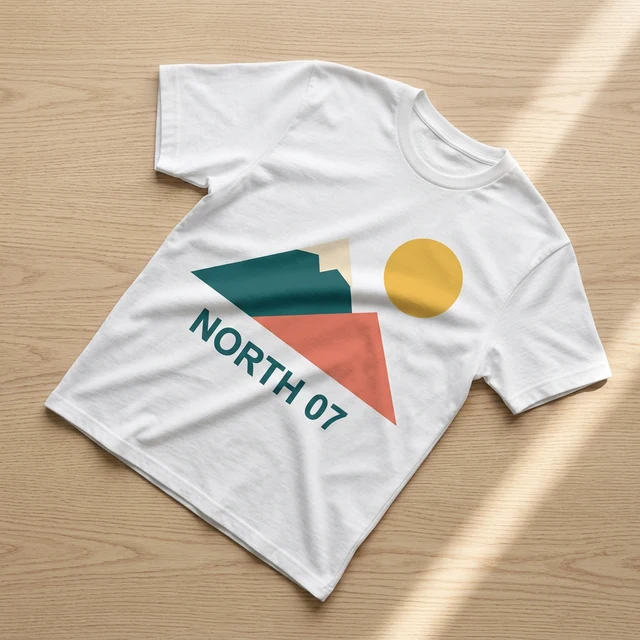
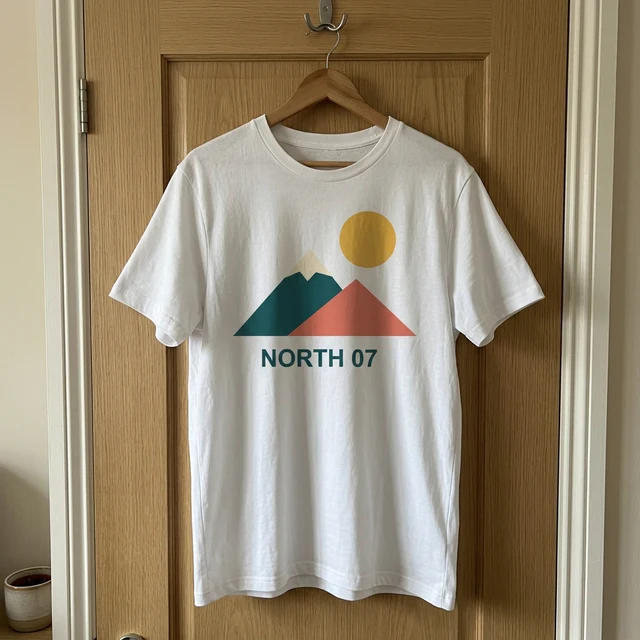
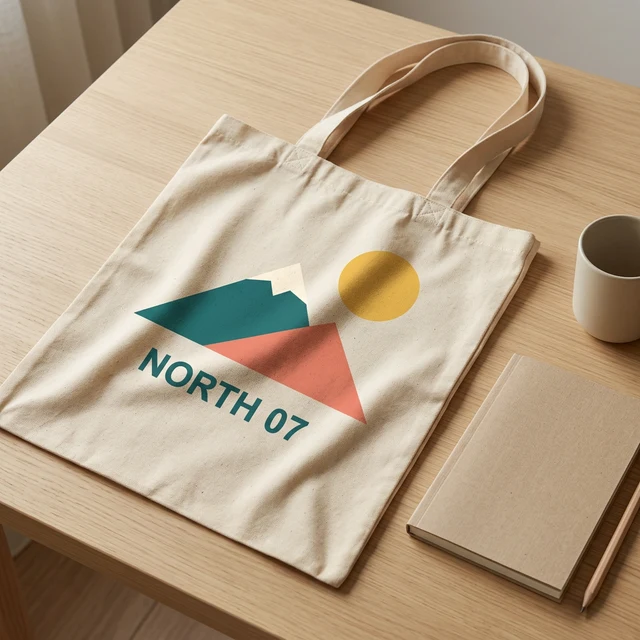
Example scenes generated from our own artwork · Updated 2026-10-14
Check Etsy image rules before choosing a listing picture
We read Etsy's official listing-image requirements on October 14, 2026. The policy generally requires original photographs showing the actual product, with limited exceptions. Its rules distinguish customized items from original prints made through a production partner. Follow the current official policy for the specific listing; a generated scene by itself does not demonstrate compliance.
For personalized items, the first image needs to show a finished customized item similar to what the buyer receives. Etsy permits additional mockups to demonstrate options under its stated conditions. For original artwork printed on a base item by a production partner, its policy describes an exception for stock-photo mockups. Check the accuracy of the final item and the production relationship before relying on that exception. Shirt Mockup Lab is independent of Etsy and does not approve listings.
Prepare my PNG for a previewPrepare a shirt mockup from your original PNG
Keep the exact file you plan to print and upload a complete PNG you have permission to use. A transparent background lets fabric show through the unprinted area. An opaque rectangle can appear as part of the print. Confirm that every intended letter, border and shape is included before choosing scenes.
Choose a white or black T-shirt, a natural canvas tote or a gray hoodie. Set the print size and centered or left-chest placement, then select 1K or 2K output. The controls do not identify a supplier stock number or establish its printing dimensions. Our garment references are generic, so color, shape and construction must be compared with your own product.
Choose my garment and print sizeAssign each scene a clear role in your photo plan
A flat lay can show the complete front print. A hanging view makes the garment outline easier to inspect, while a folded view can add context around the visible printed panel. A full-print close-up helps with lettering. A fabric detail only shows the portion included in its crop, so it should be paired with a view of the whole print.
A desk or packing scene can provide context without hiding the artwork behind props. A tote needs complete visible handles, and a hanging garment needs a real support. The examples include a diagonal flat lay and a door-hook view, generated from our own artwork. Compare every result with the item you will sell. A different PNG, garment or Etsy listing needs its own review.
Compare my twelve scene viewsUse the free preview to catch visible print problems
The checker warns about transparency, decoded dimensions, small English lettering and dark ink on dark fabric. It screens some detected people and known restricted names. This limited screening does not establish rights or reliably identify every graphic logo and protected character. Check your permission to use the artwork independently.
Compare the marked 512px preview with the saved original PNG. Check each number or short word at a useful zoom level, then inspect the garment color and print position. If a letter has changed, do not publish that image. Compare it yourself with the original. You can change the input or choose a different garment before buying a full set.
Try my free marked previewDownload a pack after reviewing the price and result
The price is $5 once for twelve original PNGs, about $0.42 per image before applicable tax. It includes a ZIP when all twelve stored scenes are complete. One free marked preview is available per workspace. The preview uses the selected image model and source settings before the low-resolution mark is added.
Upload the PNG and choose the garment before signing in with Google. Your choices stay saved so you can continue with the same task after sign-in. Check the total and refund terms before paying for a pack. Generation starts only after the required image credits are available.
Check the pack price and downloadsKeep a review list beside the actual product
Keep the original print, the physical item or your own product photographs and the selected generated scenes together for review. Check whether the print has moved, whether a sleeve or handle is missing and whether a prop hides a feature a buyer needs to see. Product presentation should not imply a different material, cut or printing result.
Guest files stay private for seven days in your private workspace and can be deleted with all linked results. Artwork and full scene descriptions are excluded from analytics and routine logs. Use the current Etsy policy and your supplier's documentation when deciding which images belong in a listing. The tool does not connect to an Etsy account, upload listings or submit any image to the platform.
See what the $5 pack includes